Keep the best.Clear the rest.
Keep the shots you love with a simple swipe. Review every Clear before it leaves your library.

Less sorting.More good photos.
Lean Photos turns a sprawling library into
a short, focused decision loop.
Swipe a few. Feel the flow.
Drag a photo or use the buttons. Try sorting all six right here.
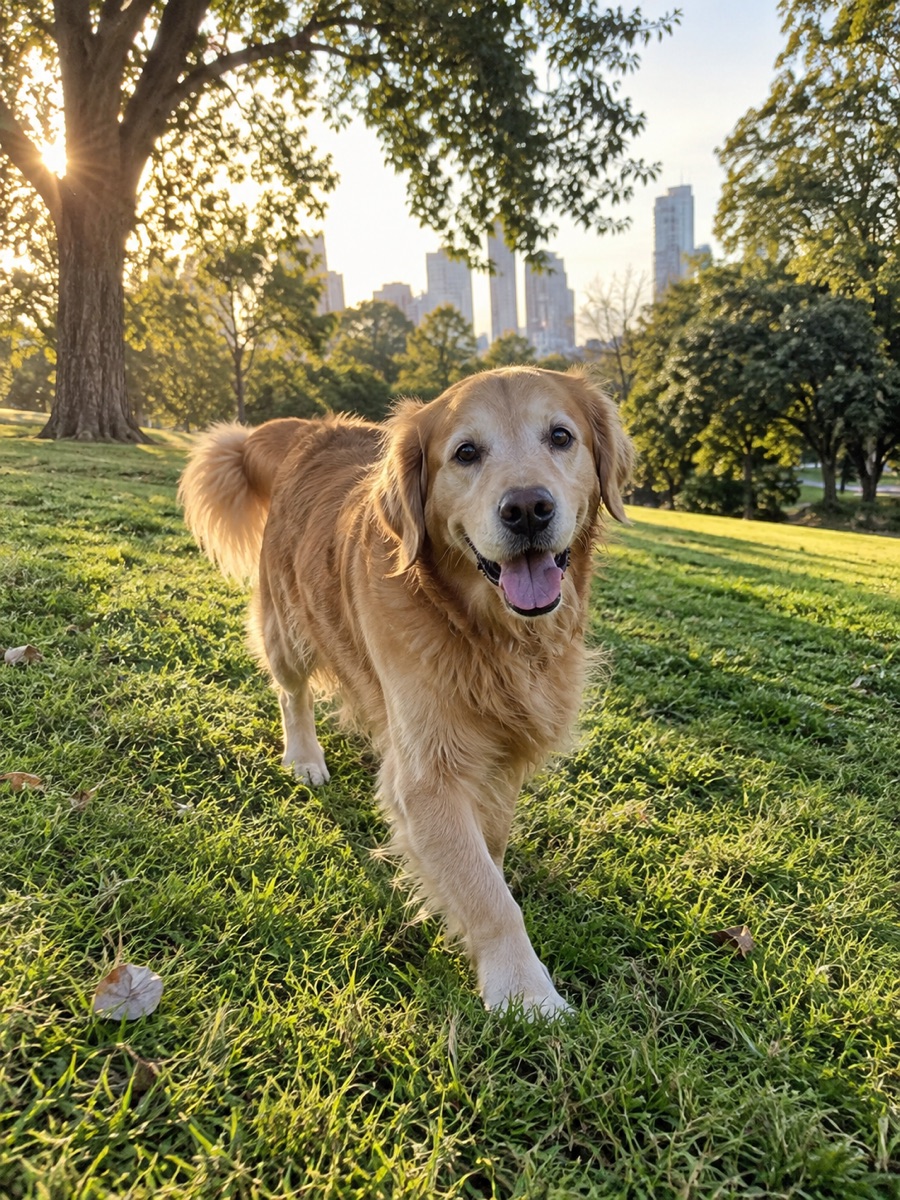

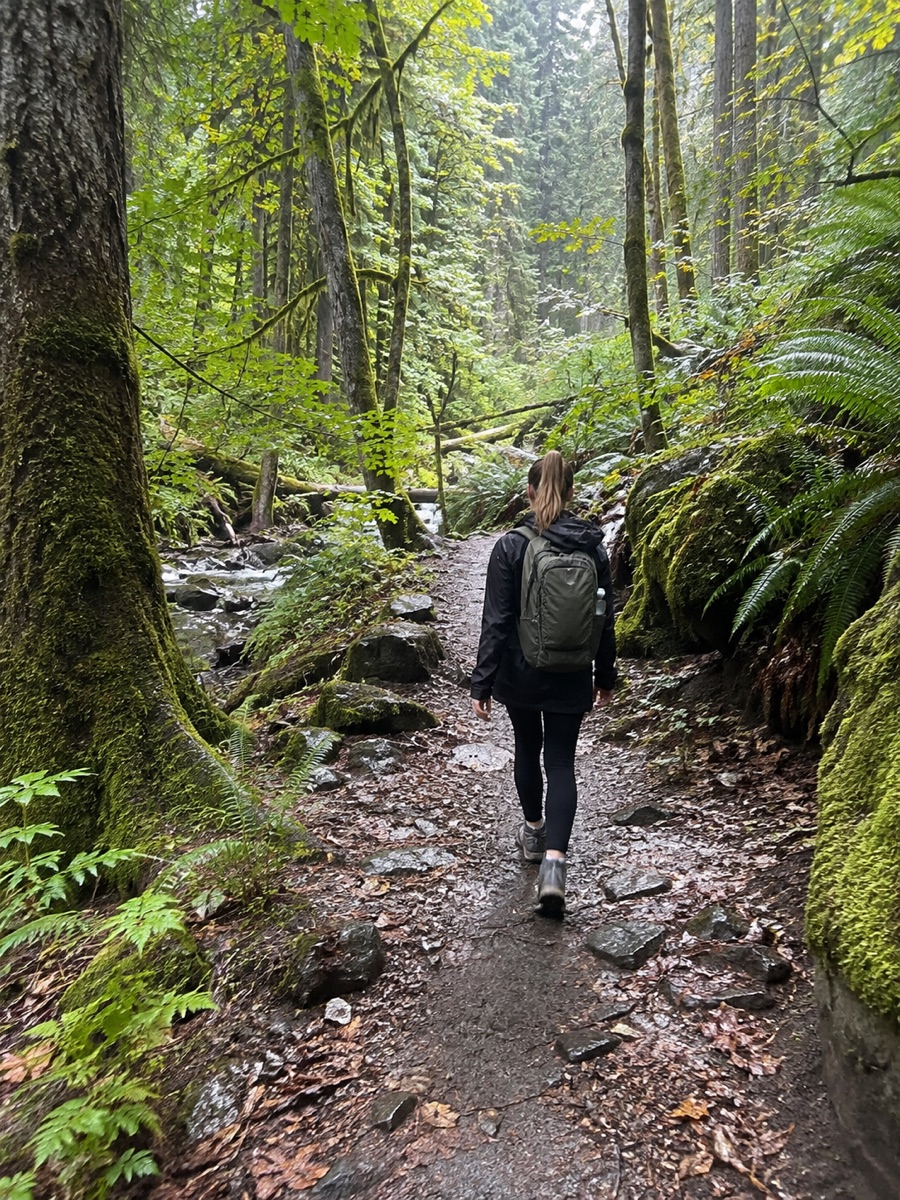



Swipe through your camera roll without the tiny thumbnails and second guessing.
Fully local. Photo analysis and cleanup happen on your iPhone.
Swiped Clears wait for review. Group cleanup goes directly to Apple’s confirmation.
Track what you kept, what you cleared, and estimated sizes of cleared files.
Your camera roll should feel like yours again.

Your photos. Always your call.
A swipe marks a photo for Clear; it doesn’t remove it. Review your pending pile and undo any choice before you commit. Apple asks for confirmation before anything leaves your library.
Group cleanup deletes unselected photos directly after system confirmation, without a pending pile. With iCloud Photos, deletions sync to your other devices. Recover in Photos’ Recently Deleted for up to 30 days unless permanently deleted sooner. Lean Photos cannot restore committed deletions. Photo analysis stays on your iPhone.
Questions,answered.
The same FAQ that ships offline inside the iPhone app.
Do my photos leave my iPhone?
Lean Photos analyzes photos entirely on your iPhone without media uploads. With iCloud Photos enabled, deletions sync to other devices using the same library.
How do Keep and Clear work?
Swipe right to Keep a shot in your library. Swipe left to mark it Clear. Diagonal swipes count too. Cleared items stay pending until you review and commit — then Photos moves them to Recently Deleted.
Can I recover a photo after I Clear it?
Swiped Clears stay pending: use Undo before commit. Group cleanup deletes unselected photos directly after system confirmation, without a pending pile. Recover committed deletions in Photos → Recently Deleted for up to 30 days unless permanently deleted sooner. Lean Photos cannot restore them. With iCloud Photos, deletions sync to other devices.
Does Limited Photos access work?
Yes. If you choose Limited Library, Lean Photos only sees the photos you select. You can add more from Settings, or grant Full Library access in iOS Settings when you are ready.
What is Similar Clean-up?
Similar Clean-up finds near-duplicate bursts on device, then lets you compare shots and Keep the best while clearing the rest. Matching and ranking stay on your iPhone. Photos are not uploaded.
Is Lean Photos on Android or the web?
Lean Photos is iPhone-only for now. The marketing site explains the product; cleaning always happens in the iOS app with PhotoKit.
Are the cleanup tools free?
Yes. All cleanup tools, including full-library Similar Clean-up, are free and run on your iPhone.
Can I clean Screenshots and Screen Recordings?
Yes. Lean Photos includes focused modes for Screenshots and Screen Recordings so you can clear old receipts and forgotten captures without scrolling the whole Camera Roll.
Keep the next good shot.
Lean Photos is built for iPhone and your camera roll.